AspenMark
A zero-dependency Markdown viewer/editor with split live preview, a custom UI, and five themes.
Version 1.2.0 · Windows 10/11 · 64-bit · Free
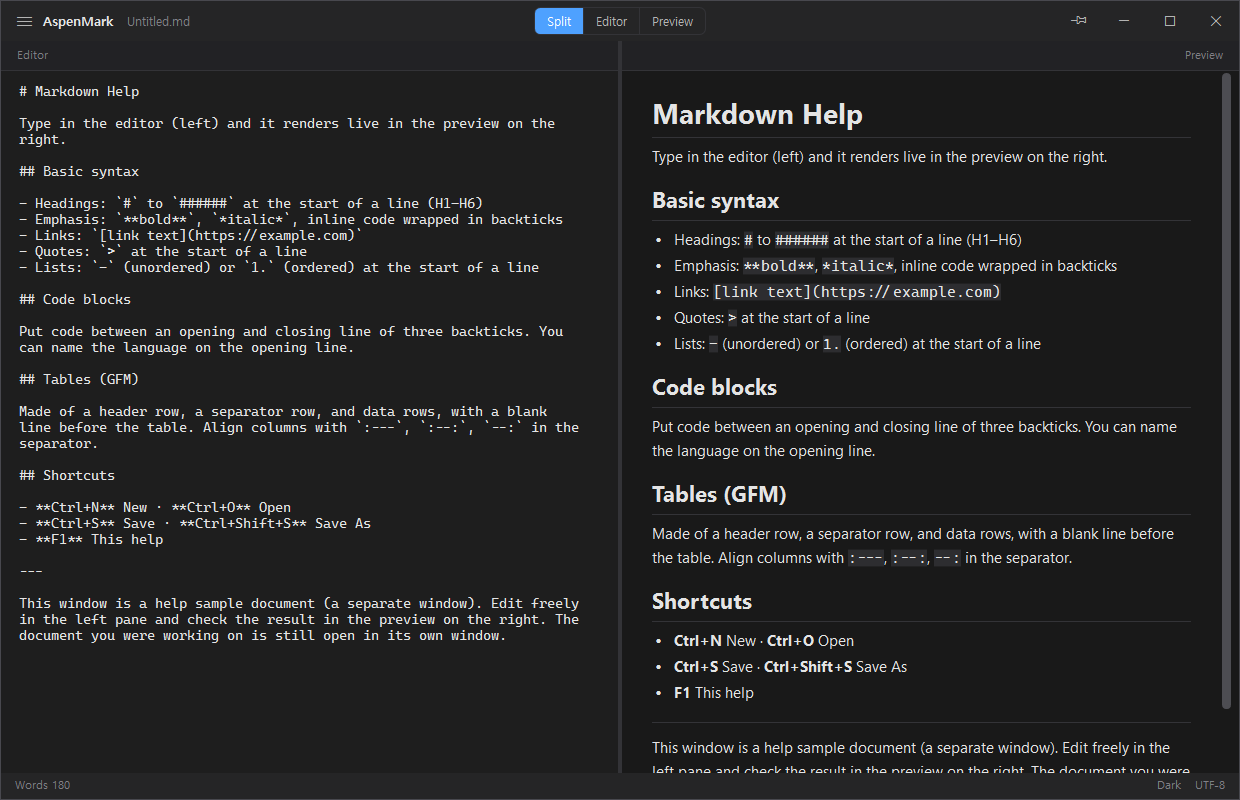
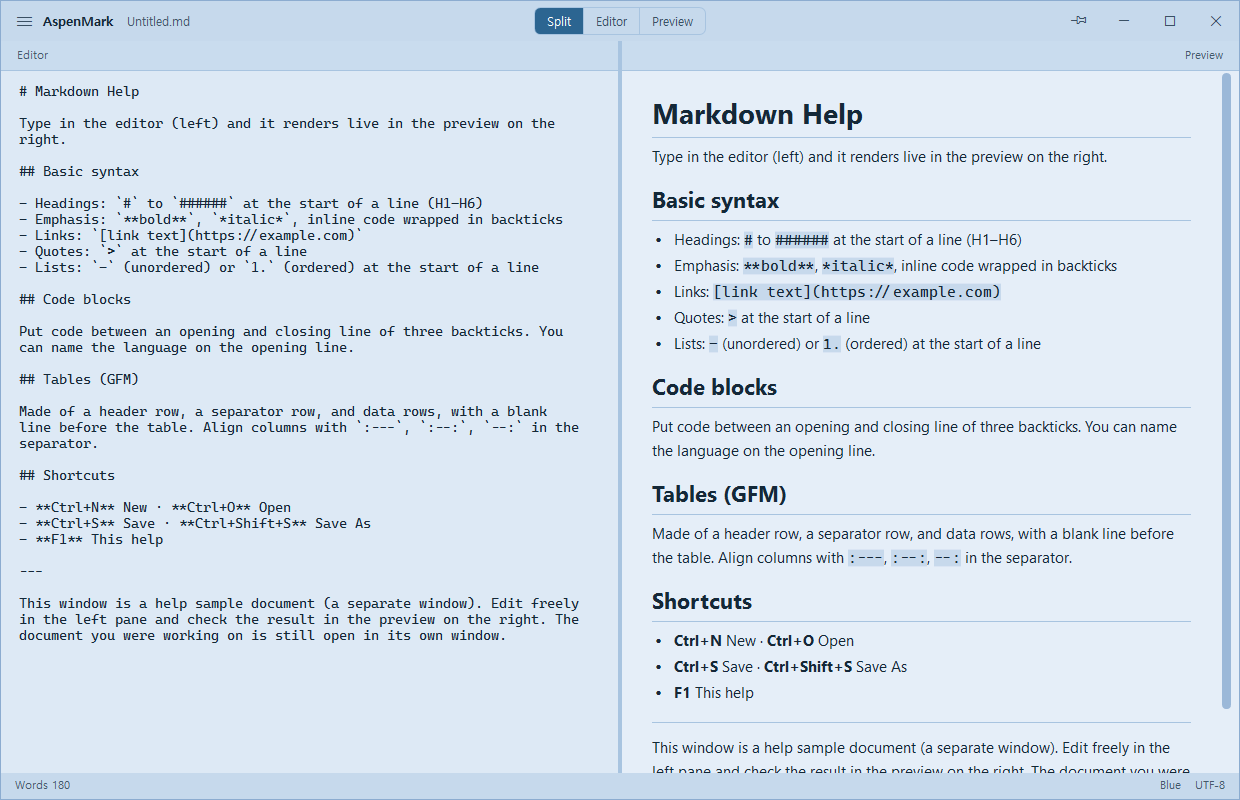
Split live preview
Edit on the left, preview on the right. Updates instantly (150ms), smooth with Korean IME.
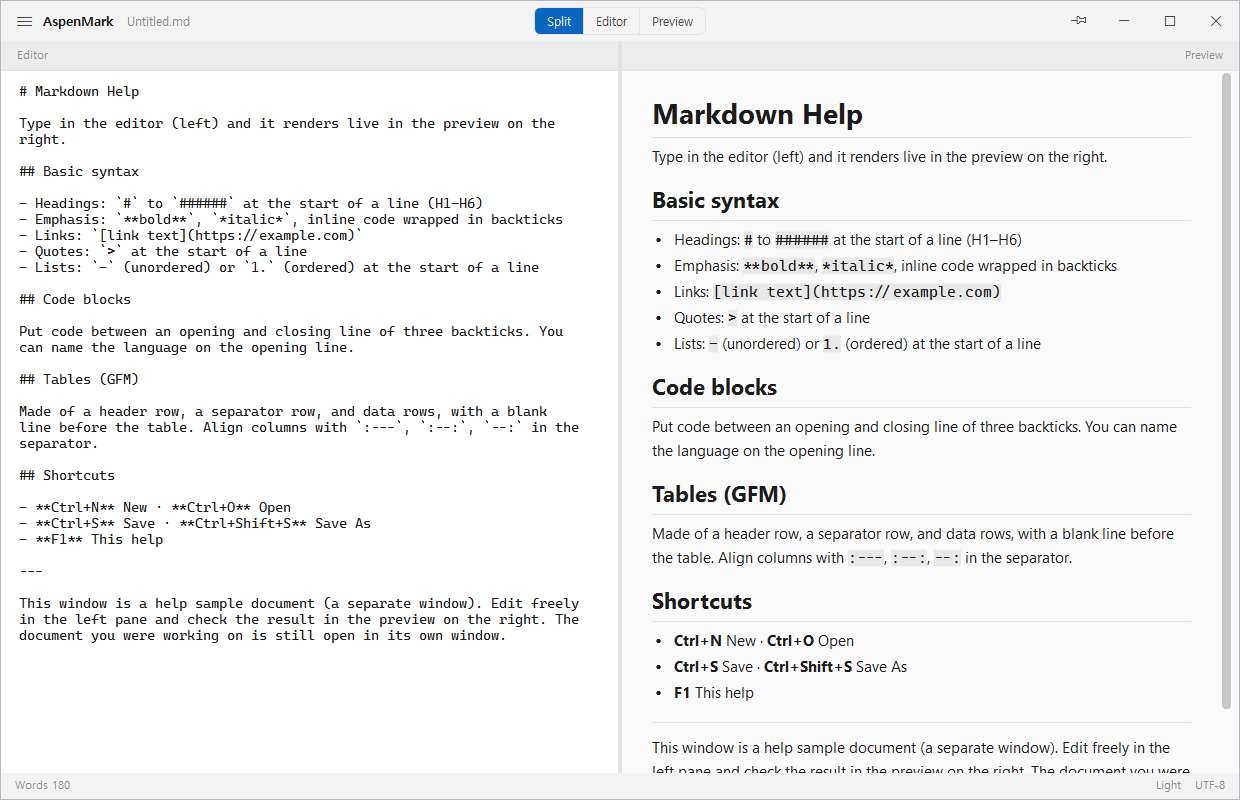
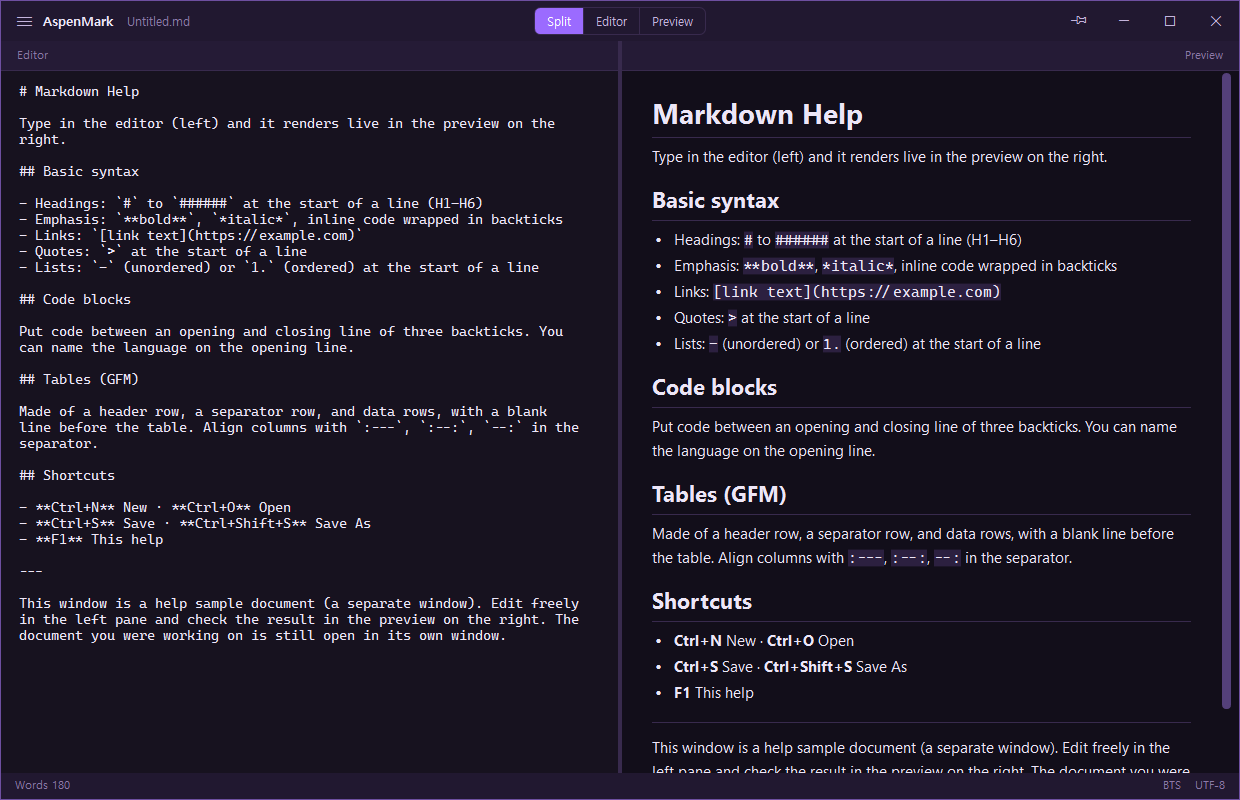
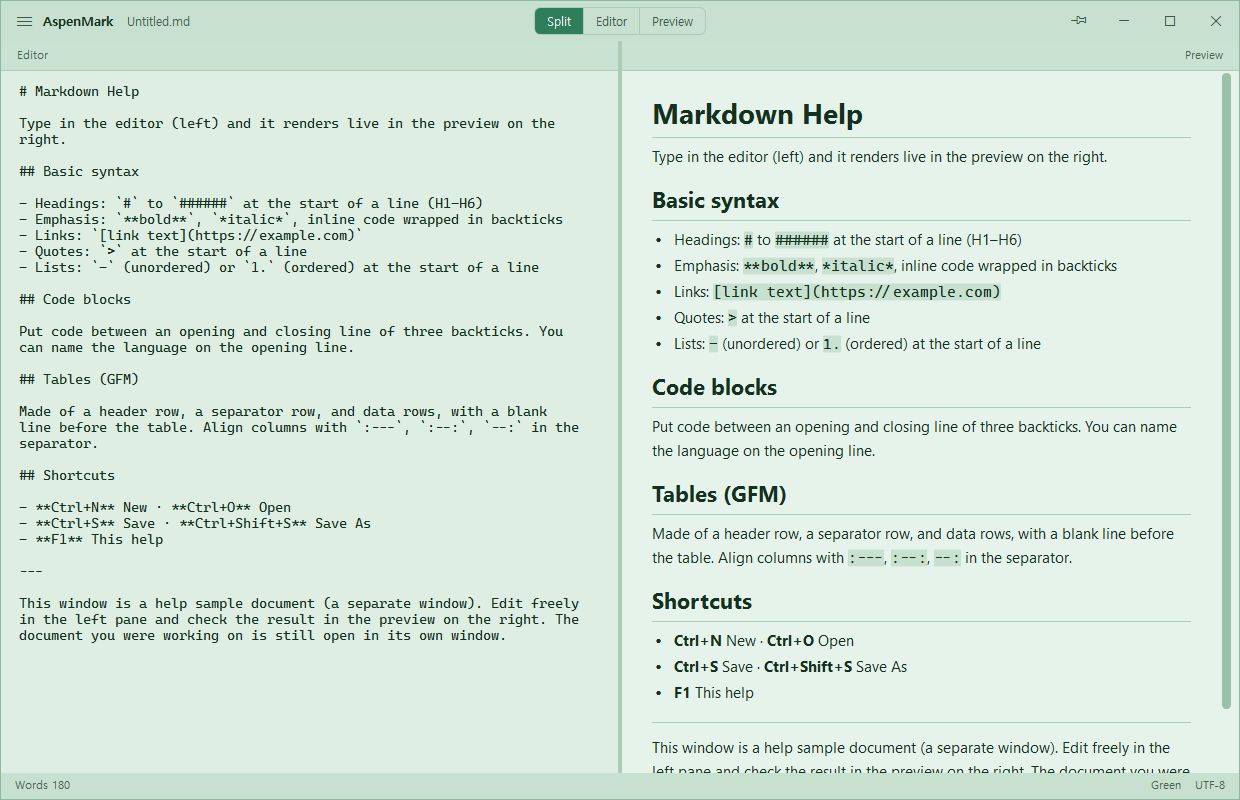
Five themes
Dark, light, BTS, green and blue — pick from the menu. All contrast-checked (WCAG).
Magnetic window snap
Snaps softly to screen edges, with smooth multi-monitor moves.
Three view modes
Split · editor-only · preview-only, with automatic per-mode window sizing.
GFM tables · code fences
Tables (with alignment), code blocks, quotes and lists — rendered by a custom engine.
Fully offline · no collection
Everything runs locally. No server calls, tracking or collection at all.
Collapse the window to a slim, always-on-top bar pinned to the top of your screen — the editor is a double-click away.


Get it now
Choose the installer (recommended) or the no-install portable build.
| Version | Notes |
|---|---|
| 1.2.0 2026-07 |
AspenKit family integration — launch installed sibling apps (AspenDev, …) from the menu; compact bars of AspenKit apps tile side by side when folded; windows magnetically snap to other AspenKit windows while dragging. |
| 1.1.1 2026-07 |
Consistent view-switch sizing — split doubles the current width, editor/preview halves it, anchored to the nearer screen edge, with less flicker/lag on switch. Click the title bar to dismiss a menu; theme labels tidied (Green/Blue). Robustness: atomic document & settings writes (an interrupted save can't corrupt the file), plus maximized-restore and drag-and-drop hardening. |
| 1.1.0 2026-07 |
Markdown engine hardening — fixes for two crashes, an unsafe-link security issue, several rendering-correctness bugs and two O(n²) performance cliffs; open any text/code file with automatic Korean (CP949) encoding detection; scrollbar fix; theme cleanup (Dark/Light/BTS/Green/Blue); compact-mode and title-bar improvements. |
| 1.0.0 2026-06 |
First public release. Split live preview, custom Markdown engine (headings, emphasis, lists, quotes, code fences, GFM tables, hr), dark/light/BTS themes, magnetic snap, settings persistence, installer & portable builds. |